




Drawings and Documents

Build clearly and share with confidence

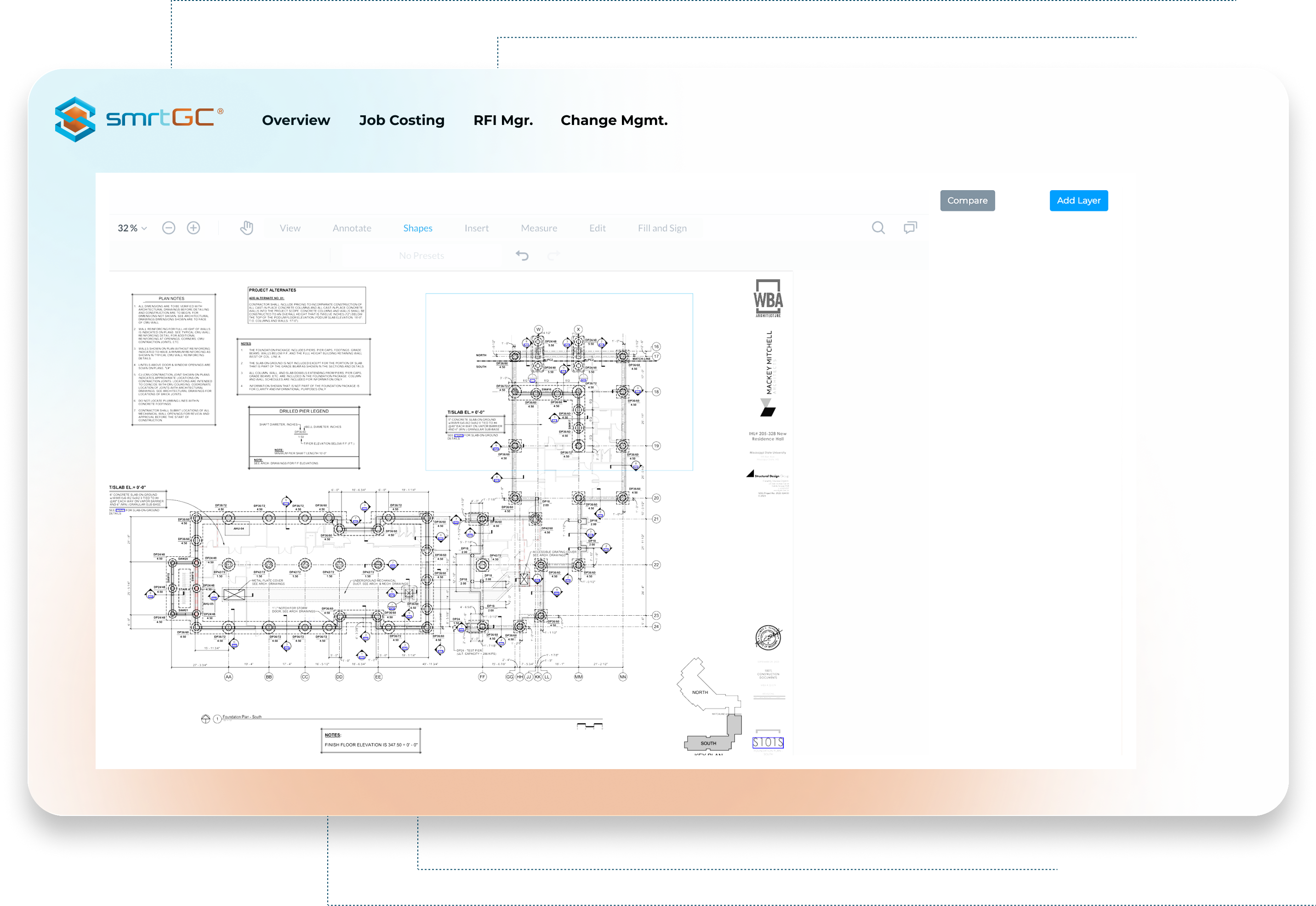
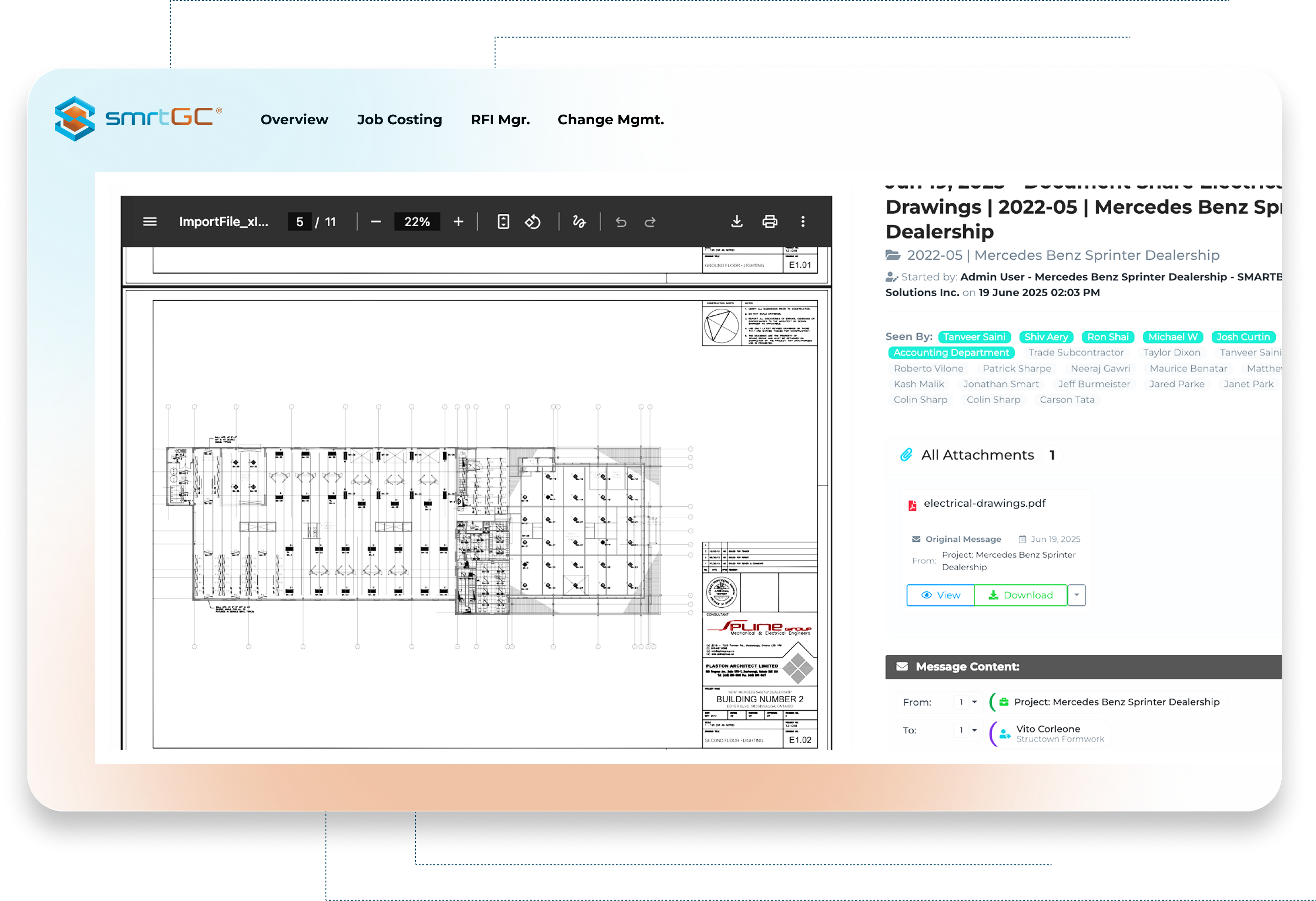
Drawings drive the build. SMARTBUILD keeps them live, linked, and accurate. Crews, managers, and clients see the same sheet every time.

Request a Demo
Problem illustration

Every delay starts with confusion over which drawing is current:

  • Crews follow old PDFs
  • Changes disappear in long email threads
  • As-builts never reach the office
  • Hours vanish chasing the latest set
Solution illustration

SMARTBUILD keeps drawings current and connected. No confusion. No rebuilds.

Five tools that turn drawings into decisions

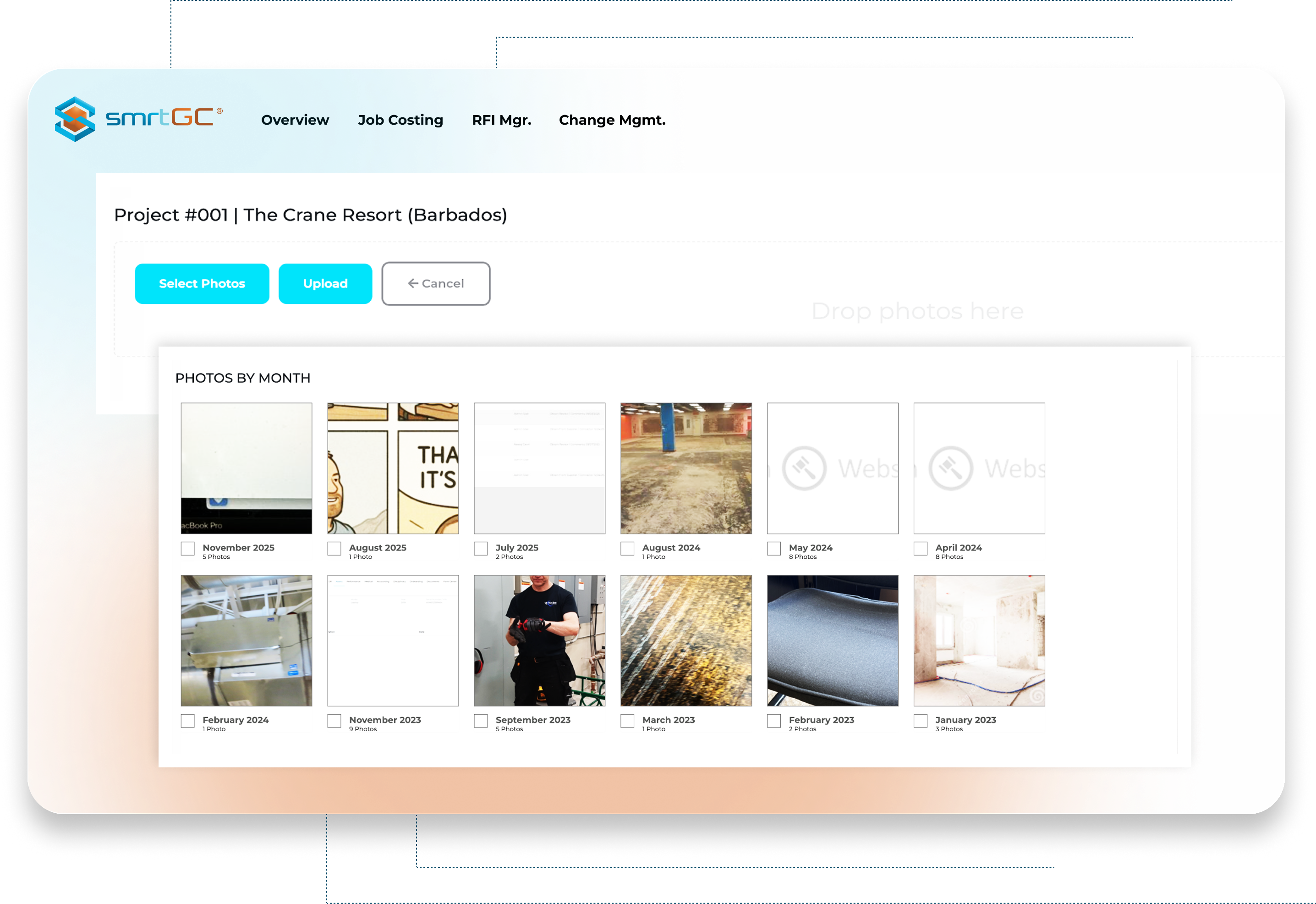
1. Central Document Vault

  • All drawings, specs, and photos in one shared location
  • Tablet and phone access for the office and field

2. Markups That Stay Clean

  • Add redlines and notes by trade or level
  • Keep original drawings intact while recording as-builts

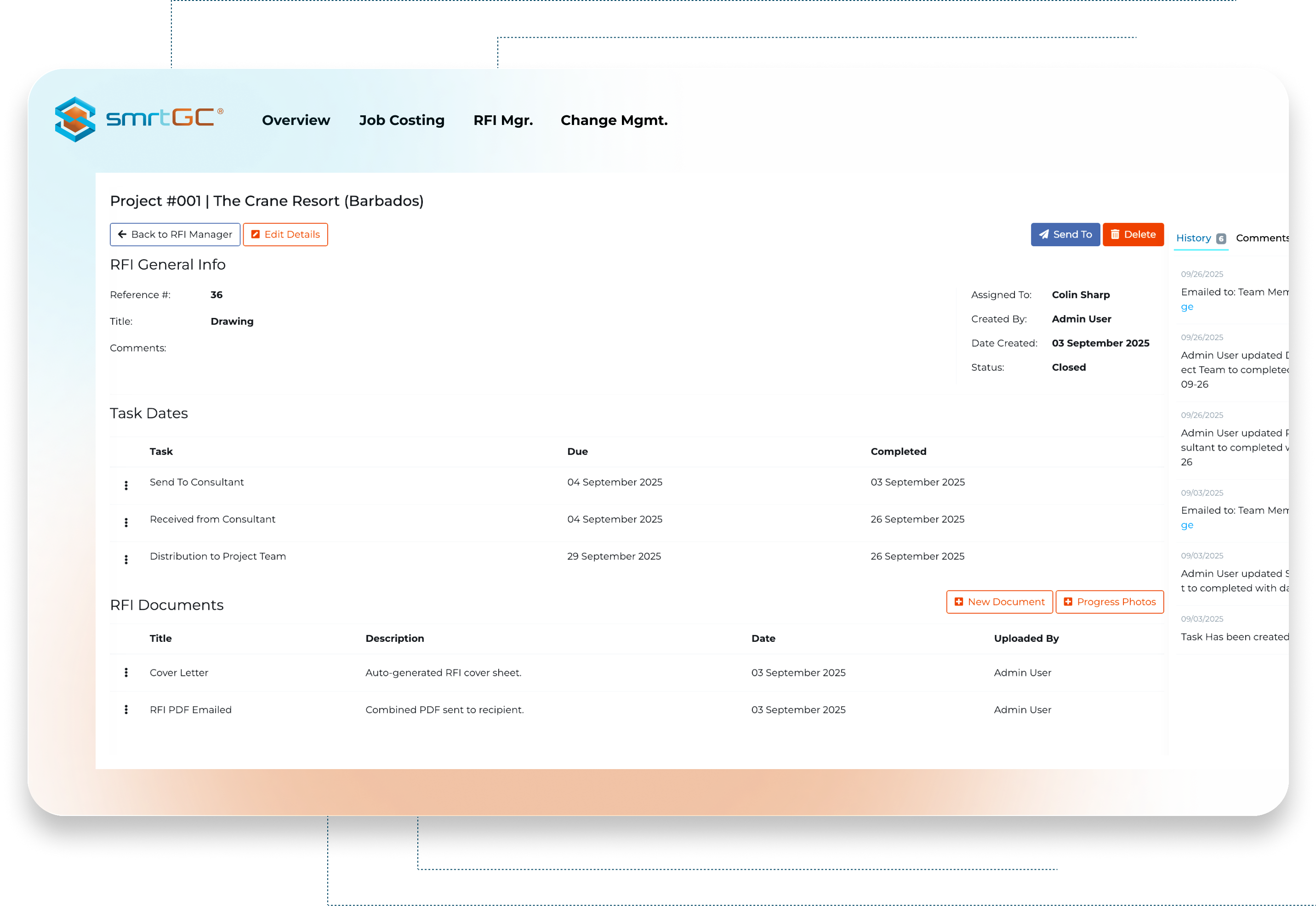
3. Linked RFIs and Changes

  • Mark an issue and connect it directly to an RFI or change order
  • No missing context or duplicate uploads

4. Version Control That Updates Itself

  • Upload once. Everyone gets the new set automatically
  • Old versions are archived and still traceable

5. Access That Never Fails

  • Open drawings offline
  • smrt-E queues edits and syncs them when you reconnect
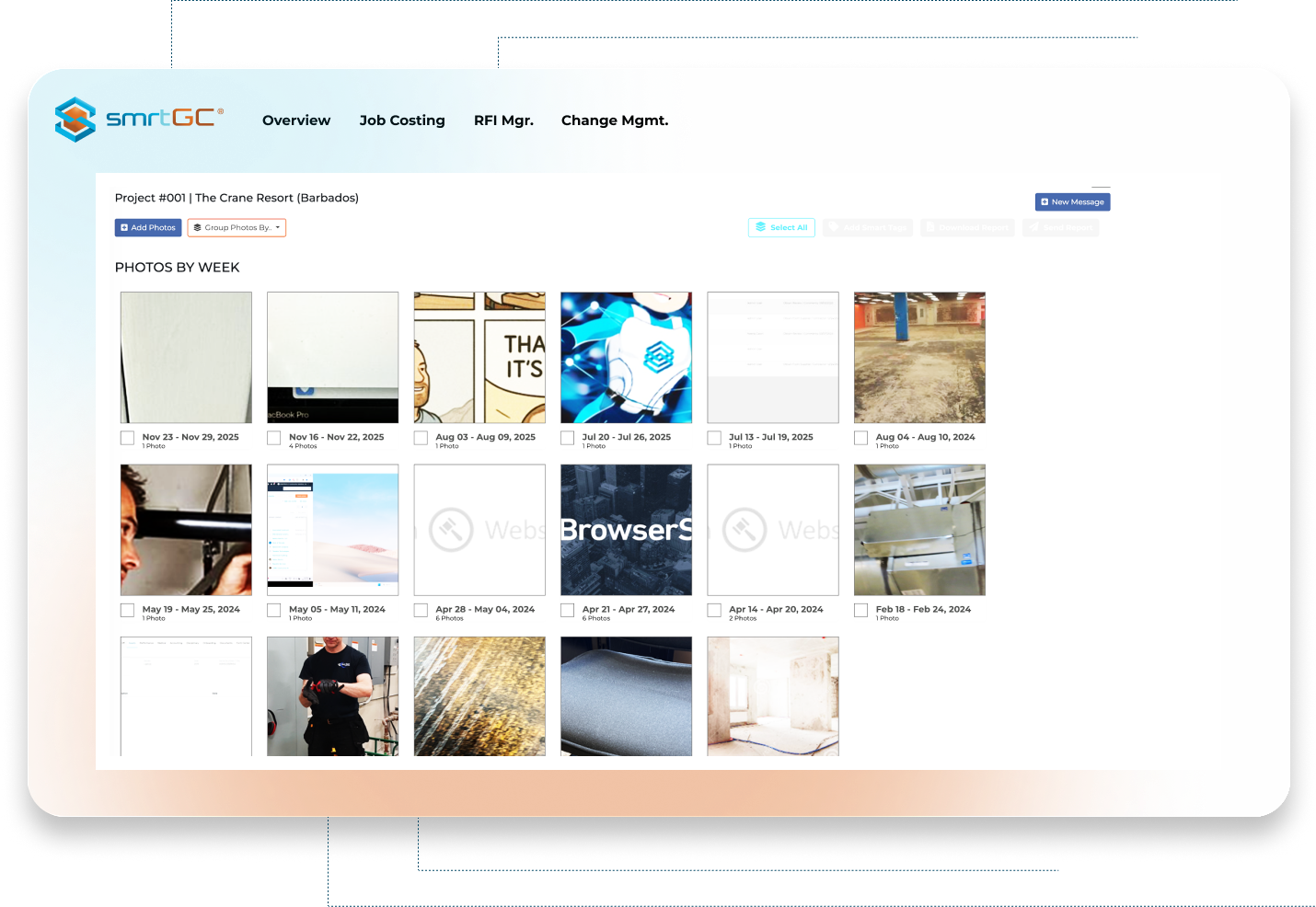
Section imageSection imageSection imageSection imageSection image

When the right drawing is in hand, everything moves faster

Rework drops

Rework drops

Updates travel instantly

Updates travel instantly

Inspectors see exactly what was built

Inspectors see exactly what was built

Everyone builds from the same truth

Everyone builds from the same truth

What You GetLegacy Tools
Drawing accuracy Multiple versions floating in inboxes One live, unified set for every team
Version control Manual updates and guesswork Auto-versioned, archived, always current
Field markups Static PDFs and redline confusion Interactive layers linked to RFIs and changes
Access in the field Fails without connectivity Works offline and syncs seamlessly later
AI workflow assist Add-on or separate plugin Built-in smrt-E capture and sync automation
Drawing accuracy

One live, unified set for every team

Legacy Tools

Multiple versions floating in inboxes

Version control

Auto-versioned, archived, always current

Legacy Tools

Manual updates and guesswork

Field markups

Interactive layers linked to RFIs and changes

Legacy Tools

Static PDFs and redline confusion

Access in the field

Works offline and syncs seamlessly later

Legacy Tools

Fails without connectivity

AI workflow assist

Built-in smrt-E capture and sync automation

Legacy Tools

Add-on or separate plugin

The safety center alone justified the switch. QR-based forms mean our crews actually complete them, and I can pull compliance reports in seconds instead of digging through filing cabinets.

Sarah Chen, Safety Director at BuildRight Inc.

Sarah Chen, Safety Director at BuildRight Inc.

One drawing, one truth

SMARTBUILD keeps drawings accurate, synced, and ready

See how connected documentation makes every build smoother.